i know the feeling. It was crazy when I was in Art School. I really like your style and I am looking forward to seeing more of your great illustrations.
ahhh...i remmber those days. i never got a single non-art project finished during my BFA days. great take on the topic and winter break isn't too far away. ;)
Nah, you're standing on the bottom really and there doesn't appear to be any sign that the water levels rising - so a bit waterlogged maybe, but not broken!
Nice linework - I particularly like the built up lines for textures in the hair and clothes and the writing itself as a texture.
Also known as zipatone, Ben-Day dots, halftones etc For this tutorial a basic knowledge of Photoshop, colour modes, resolution, history and layers pallete, copy and paste functions will help. It is often desirable to achieve screen tones for artwork for either practicality or for effect. What ever you need it for I am going to show you the most effective way to achieve this using Photoshop. If you can master this, then there is no need to track down real zipatone and fiddle around with cutting it up. The middle section on ‘creating dot patterns’ is fixed although how you create your grey areas and how you use the dot pattern is up to you. Firstly this tutorial has nothing to do with the halftone pattern in the Filter menu. In my mind this filter gives a poor, hard to control, and fuzzy result. Which is not suitable when you need real screen tones for something like screen printing. Creating greys First open the artwork you want to add screen tones to; Be sure that this a...
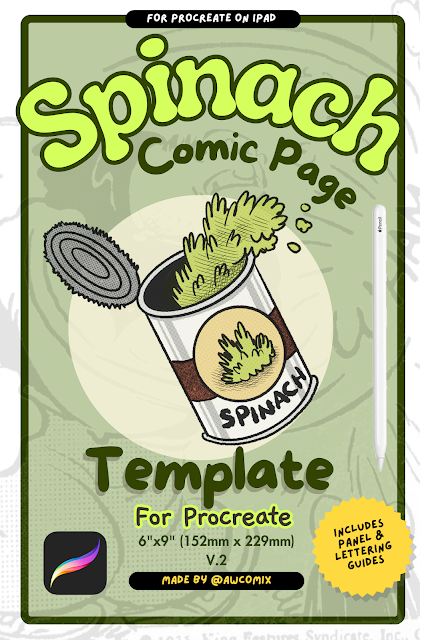
Ever since I picked up the iPad app Procreate, I have discovered a new joy in making comic pages. It was tricky at first, however I have now drawn over 100 pages of comics and settled on a good layout system.
WARNING: Comic talk ahead! I wanted to write a short review of the 'non-photo' blue pencils I have been using lately. I'm doing this so that if you have to order these things through the mail or don't want to waste money trying and buying these things then hopefully this review will point you in the right direction. There are three pencils that I have come across. There are other types and brands, but these are the ones I have had experience with and I think may be the most commonly used in comics. 1-Sanford col-erase non-photo blue. (pictured) This pencil's lead is quite hard and hardly shows up on the paper. This is good if you only want faint marks as guidelines and not so much an actual finished drawing. There is an eraser on the end that actually works to a certain degree. Although it's really only for peace of mind as you don't need to erase the pencil after inking anyway. I found this pencil too light to do actual finished or rough outlined ...
Here's a method I have used to scan my comic line art since around 2005. I can't recall exactly where I learned this technique, but at the time I confirmed that it was standard practice by a couple of other professional comic artists.




Please don't splodge into a big pool of ooze! Break artisically, try throwing paint at a wall (or teacher) };-}
ReplyDeleteGreat image :)
No time...for...paint...too late...gurgle...urggh!!
ReplyDeletehehe, nice illustration!
ReplyDelete*Wham Bang Pow* Improvise with your inky fingers!!!
ReplyDeleteNICE illo!! Happy Halloween!
ReplyDeleteDon't struggle you'll just sink quicker.
ReplyDeletelove
Darn-where is a pillow to punch when you need one! Interesting take. Sounds like a vacation may be in order?
ReplyDeletei know the feeling. It was crazy when I was in Art School. I really like your style and I am looking forward to seeing more of your great illustrations.
ReplyDeleteahhh...i remmber those days. i never got a single non-art project finished during my BFA days. great take on the topic and winter break isn't too far away. ;)
ReplyDeleteor is it spring break? :)
ReplyDeleteIt's actually the summer break over christamas and new years here in Aus. I'm going back to do my honors year in late feb ;)
ReplyDeleteNah, you're standing on the bottom really and there doesn't appear to be any sign that the water levels rising - so a bit waterlogged maybe, but not broken!
ReplyDeleteNice linework - I particularly like the built up lines for textures in the hair and clothes and the writing itself as a texture.
You'll do it, man!